We've written about which AI agents call and book local businesses, and about newer ones like Instinct and Hark. This post is about the other side of that: what happens when one of those assistants shows up at your website and can't get in.
Are AI assistants really booking things for people now?
Yes, though it's early. TechCrunch reported on October 6, 2026 that personal AI agents such as Meta's Muse, Instinct and OpenAI's dots can now handle errands like booking flights and ordering groceries. For local businesses, the two ways in are the phone, where agents like Muse call on a customer's behalf, and the website, where agents like Hark fill in forms and booking pages. Restaurants are furthest along: ChatGPT and Google's AI Mode already book tables through platforms like Yelp and OpenTable.
Why are websites blocking AI assistants?
Sometimes on purpose. According to the same TechCrunch report, Amazon blocked Muse from its store in September, Yelp makes agents pay for access through a data licensing program, and Delta and United have restricted agent activity. But a lot of blocking is accidental. Tools built to stop spam bots can't always tell a spam bot from an assistant working for a real customer. TechCrunch described agents getting kicked out of Walmart's site when a human-verification check failed partway through.
Could my small business website be blocking them without me knowing?
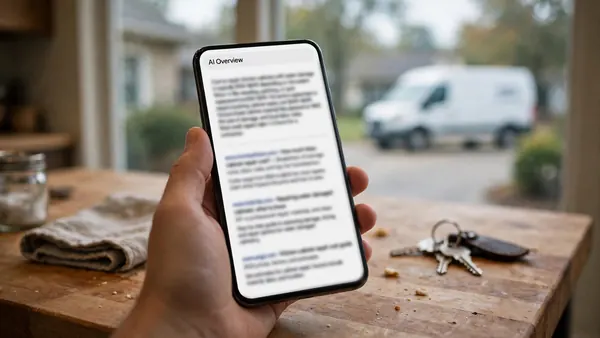
It's possible, and you'd never get a notice about it. A customer asks their assistant to find a gutter cleaner and request a quote. The assistant hits your site, gets stopped by a bot check or can't find your prices, and moves on to the next company. You don't see a missed lead. You see nothing at all.
What should I check on my website?
Four things cover most of it:
- Your robots.txt file. Go to yourbusiness.com/robots.txt. Look for lines that say "Disallow" next to names like GPTBot, ClaudeBot, PerplexityBot or meta-externalagent, or a line that blocks everything. Blocking AI training is a reasonable choice. Blocking the assistants that act for customers probably isn't.
- Bot settings at your host. If your site runs through Cloudflare or a similar service, look at its bot and AI settings. Cloudflare changed its crawler defaults again on September 15, so a setting may have changed without you touching it.
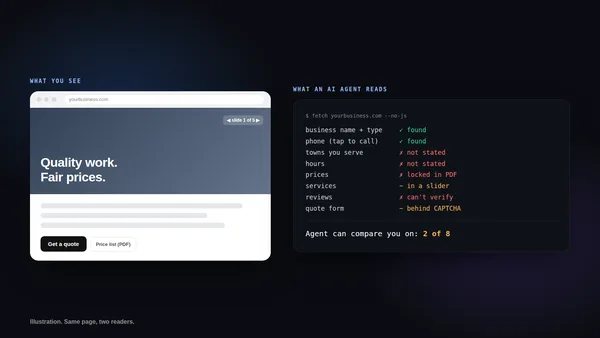
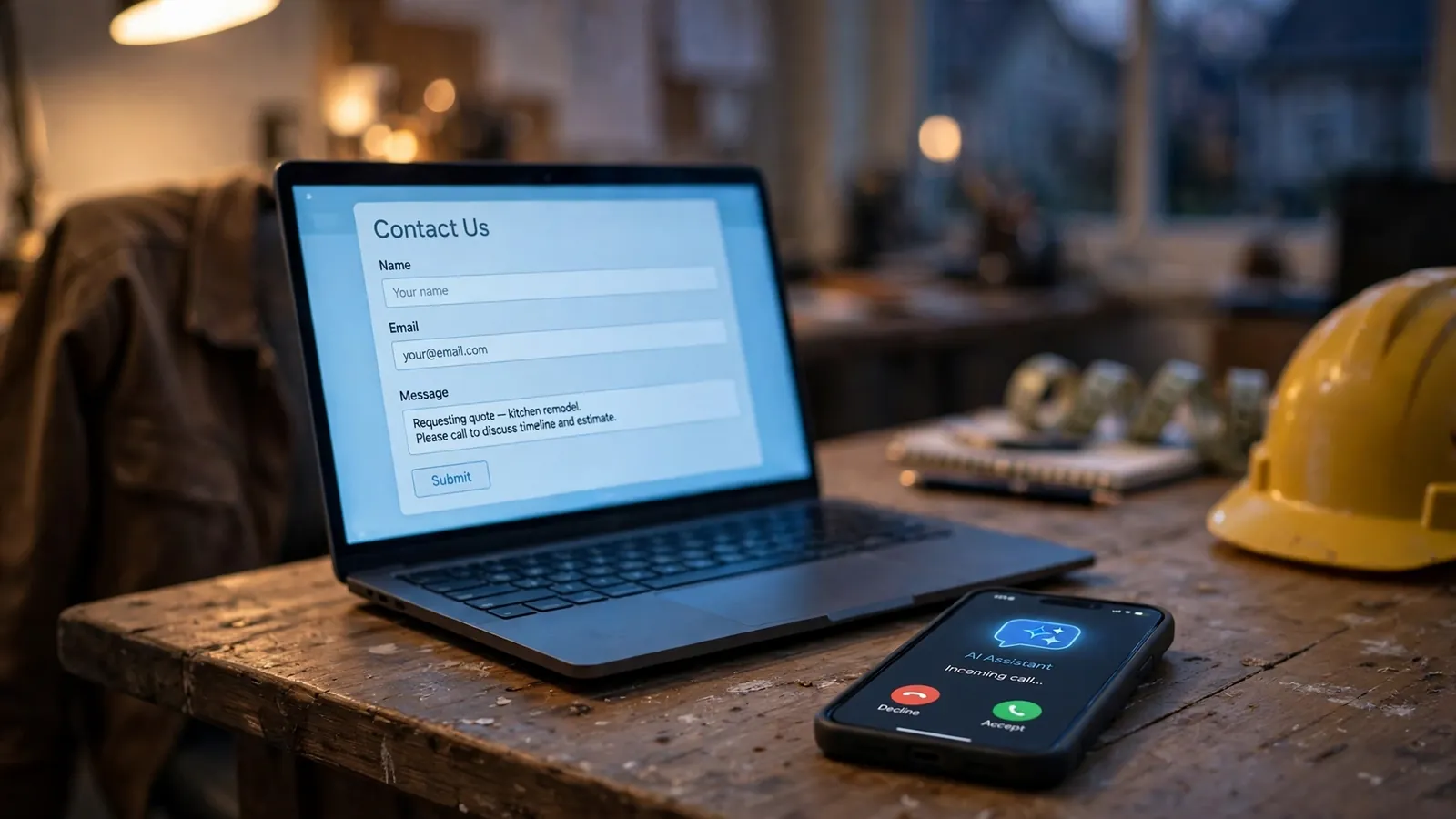
- Your contact form. If it makes people tick "I'm not a robot" or solve a puzzle, an assistant may not be able to send it. Invisible spam filters stop junk without that step.
- Your key facts, written as text. Prices, hours, service area and services should be on the page as words, not inside images or PDFs. An assistant can't book what it can't read. Our agent-ready checklist has the full list.
Does this matter if my customers mostly call?
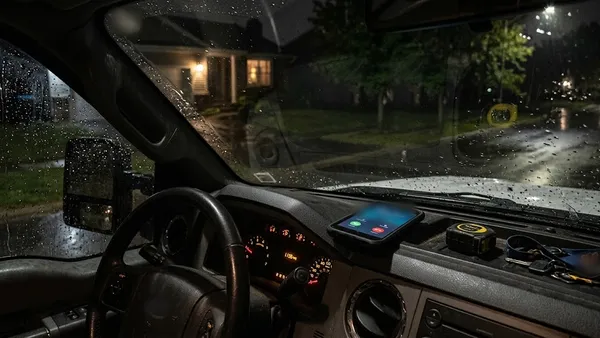
Then your phone is where it matters. Muse and Instinct phone businesses on a customer's behalf, and an assistant that reaches voicemail during work hours can just call your competitor. Answering every call, or having something answer for you, is the phone version of an open front door.
Is there going to be a standard for this?
One is being worked on. TechCrunch reported that Meta, Walmart, Stripe, Sierra, Genesys and others are building an open standard for how AI agents talk to businesses, partly so sites can tell legitimate assistants from bad bots. Until that exists, the safest setup for a small business is simple: let the assistants in, keep spam out with filters that don't need a human click, and put the facts on the page.
How do Atlas websites handle AI assistants?
We build Atlas sites to let the major AI assistants and search crawlers in, to stop form spam with a filter that doesn't need a robot checkbox, and to list services, towns, prices and hours as plain text, with an llms.txt file for AI tools. If you want to know how your current site looks to an AI assistant, ask us and we'll take a look.