Why do I have duplicate Google Business Profiles?
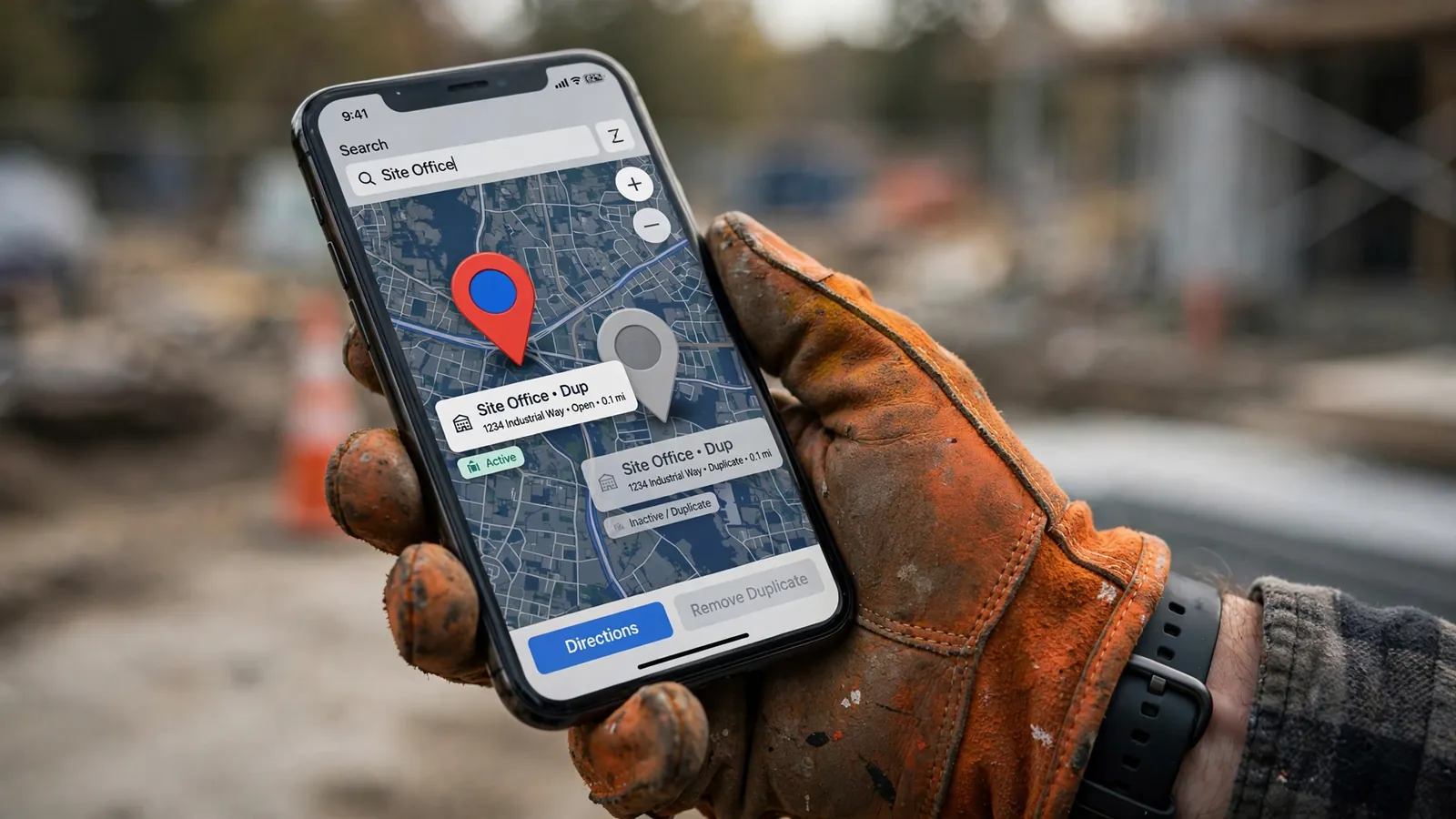
Usually by accident. An old listing from a previous address, a profile a past agency or employee made, one Google created from data providers, a customer adding your business on Maps, or someone trying to make one profile per service. Each one splits your reviews and confuses Google about which listing is the real you.
Google's rule is simple: you can have only one Business Profile for each business. A second plumbing profile for "drain cleaning" or a separate profile for each town you serve breaks that rule, and Google says multiple profiles for the same business may mislead customers.
Do duplicate listings hurt my rankings?
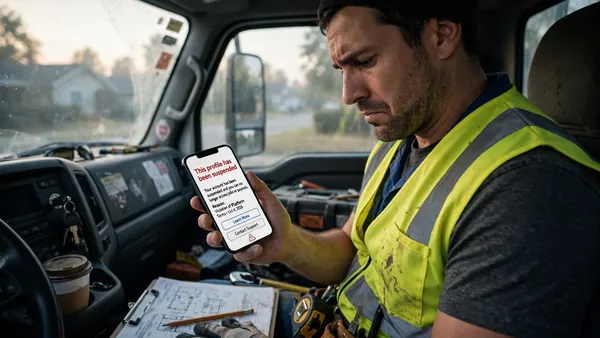
Yes. Google says a profile it considers a duplicate won't show on Search or Maps, and duplicates split your reviews, photos and clicks across listings that compete with each other. Duplicates are also one of the common reasons Google suspends profiles, especially in home service categories.
Even when nothing gets suspended, the cost adds up. A customer finds the old listing with the wrong phone number, calls a disconnected line, and calls your competitor instead. You never know it happened.
How do I find duplicate listings?
Search your business on Google Maps four ways: your exact business name, your phone number, your old address if you've moved, and your name plus your town. Then look in your Business Profile account for any extra profiles under your login, or under any other Google account you or your team have used.
- Old addresses are the most common source. Moved shops leave a ghost listing behind.
- Old phone numbers show listings data providers built from directories.
- Name variations like "Smith Plumbing" and "Smith Plumbing & Heating LLC" can be two profiles for one business.
- Other Google accounts. A profile made years ago on a personal Gmail still counts.
Which listing should I keep?
Keep the verified profile with the most reviews and the correct name, address and phone. Reviews are the hardest thing to rebuild, so they usually decide it. If the listing with more reviews isn't verified or has wrong details, get control of it and correct it before merging the other one into it.
| Situation | What to do |
|---|---|
| You created the extra profile by mistake | Remove it from your Business Profile account. Google says this won't affect your verified listing, but everything on the removed profile goes with it |
| An old listing you don't control (old address, auto-created) | On Google Maps, open it, tap Suggest an edit, choose that it's closed or a duplicate, and pick your main profile |
| Two listings you want combined, with reviews on both | Request a merge through Google Maps. Reviews are combined, replies may be lost |
| Someone else controls the listing you want to keep | Request access from the current owner through Google. They have 3 days to respond |
| Google marked a real, separate business as a duplicate | Contact Business Profile support with proof both businesses are distinct, like separate names and signage |
How do I merge or remove a duplicate on Google Maps?
Open the duplicate on Google Maps, tap Suggest an edit, choose the option that the place is closed or not here, then choose that it's a duplicate and select your main listing. Google reviews every merge request. When it goes through, reviews from both profiles are combined, but your replies to those reviews may not carry over.
- Fix your main profile first. Make sure the name, address, phone and hours on the listing you're keeping are correct, so Google merges into the right details.
- Report the duplicate. Use Suggest an edit on the duplicate, not on your main profile.
- Do one at a time. If you have several duplicates, report one, wait for it to resolve, then the next.
- Re-reply to big reviews afterward. If replies get lost in the merge, re-answer the important ones on your main profile.
- Check back. Search your old address and old phone number again in a couple of weeks to confirm the ghost listing is gone.
What about one profile per service or per town?
Don't. Google treats separate profiles for different services of the same business as duplicates, and separate profiles per town only work if each town has a real, staffed location with its own signage. For a service-area business, the right setup is one profile with your service area listed and a website with a page for each town and service.
That's how our clients rank across many towns without breaking Google's rules. The profile stays clean, and the town and service pages on the website do the work of showing up for "gutter cleaning Freehold" and "gutter cleaning Marlboro." We explain the profile side in our Google Business Profile guide for contractors and the ranking side in how contractors rank in the Map Pack.
Can duplicates get my profile suspended?
They can. Duplicate listings are one of the causes that show up again and again in suspension cases, especially for plumbers, HVAC, roofers and other home service trades. If your profile already got suspended, don't create a new one while you appeal. We walk through the full process in Google Business Profile suspended? How to get it back.